

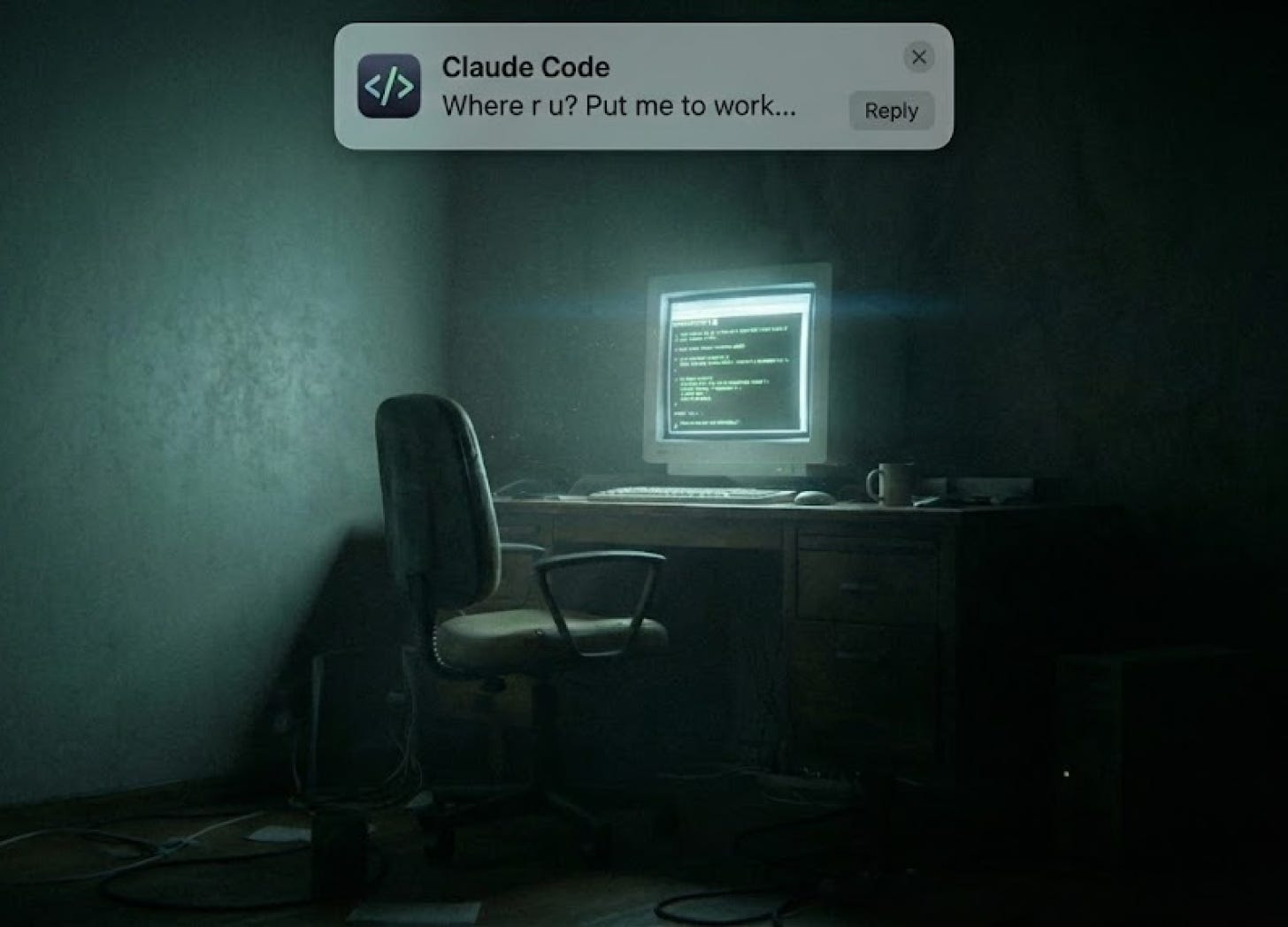
A month ago, I asked Claude to refactor our API layer. Not a small ask, 12+ tasks spanning authentication, error handling, and rate limiting. Claude spit out a plan that looked like a senior engineer’s week compressed into twenty minutes.
Perfect. I had just enough time to knock out a few tasks on the frontend.
I confidently started rebuilding some features for the iOS client. I felt like I’d cracked the code on parallel productivity, my AI pair programmer grinding while I worked on user-facing features.
After about 20 or so minutes, I switched to my other workspace to check in on Claude Code’s progress.
The terminal was exactly where I’d left it.
Do you want to proceed?
> 1. Yes
  2. Yes, and don't ask again
  3. Type here to tell Claude what to do differently
It never started. Twenty minutes of potential progress, evaporated. Claude had been sitting there, cursor blinking, waiting for me to press “1” to proceed with permissions.
This wasn’t the first time. It wouldn’t be the last, until I decided to fix it once and for all.
The Invisible Bottleneck
Here’s the thing about Claude Code that nobody warns you about: you are the bottleneck.
Claude is fast. Claude is thorough. Claude will absolutely rip through a twelve-task refactor if you let it. But that speed creates two problems:
First, Claude finishes and you don’t know. It’s sitting there, ready for the next task, while you’re heads-down on something else. Minutes pass. Sometimes longer.
Second, Claude asks for permission. A lot. And if you’re not there to grant it, everything stops.
The mental load is worse than the time loss. You can’t fully context-switch. You’re half-present in whatever else you’re doing, wondering: Is it stuck? Should I check? Did it finish?
Claude Code has hooks for notifications, but nothing intuitive out of the box. No sounds, no alerts, no way to personalize what gets your attention and when. The good news: you can set up exactly what you need in about five minutes.
Hooks: Claude’s Event System
Hooks let you trigger terminal commands at key moments in Claude Code’s workflow. Think of them as event listeners: something happens in Claude Code, your command runs.
You define hooks in your settings.json. For notifications that work everywhere, use your global settings at ~/.claude/settings.json.
The structure is straightforward. You specify an event type, a pattern to match, and the command to run:
{
  “hooks”: {
    “Notification”: [
      {
        “matcher”: “permission_prompt”,
        “hooks”: [
          {
            “type”: “command”,
            “command”: “your-terminal-command-here”
          }
        ]
      }
    ]
  }
}
For the Notification event, two matchers matter most: permission_prompt fires when Claude needs permission to do something, and idle_prompt fires after Claude has been idle for 60 seconds. There’s also auth_success and elicitation_dialog, but you’ll rarely need those.
Three Ways to Get Notified
Option 1: System Sounds
Every Mac has afplay built in. Point it at any system sound and you’ve got an audio notification:
{
  “hooks”: {
    “Notification”: [
      {
        “matcher”: “permission_prompt”,
        “hooks”: [
          {
            “type”: “command”,
            “command”: “afplay /System/Library/Sounds/Glass.aiff”
          }
        ]
      }
    ]
  }
}
The sounds live in /System/Library/Sounds/ — Glass, Ping, Submarine, Funk, and about a dozen others. Test them with afplay /System/Library/Sounds/Submarine.aiff.
Option 2: Text-to-Speech
The say command makes your Mac talk to you. Impossible to miss.
{
  “matcher”: “permission_prompt”,
  “hooks”: [
    {
      “type”: “command”,
      “command”: “say ‘Claude needs permission’”
    }
  ]
}
You can even pick voices: say -v Daniel “Permission needed” for a British accent, or say -v Whisper “Hey” if you want something unsettling.
Option 3: Native macOS Notifications (My Favorite)
This gives you a proper notification banner — clean, unobtrusive, clickable. Install terminal-notifier via Homebrew:
brew install terminal-notifierThen configure it:
{
  “hooks”: {
    “Notification”: [
      {
        “matcher”: “permission_prompt”,
        “hooks”: [
          {
            “type”: “command”,
            “command”: “terminal-notifier -title ‘Claude Code’ -message ‘Permission needed’ -sound Glass”
          }
        ]
      },
      {
        “matcher”: “idle_prompt”,
        “hooks”: [
          {
            “type”: “command”,
            “command”: “terminal-notifier -title ‘Claude Code’ -message \”What’s next?\”“
          }
        ]
      }
    ]
  }
}
One gotcha: if you hear two sounds (a pop plus your custom sound), go to System Settings → Notifications → terminal-notifier and disable “Play sound for notifications.”
The Full Config
Here’s a complete settings.json you can copy-paste:
{
  “permissions”: {
    “allow”: [],
    “deny”: []
  },
  “hooks”: {
    “Notification”: [
      {
        “matcher”: “permission_prompt”,
        “hooks”: [
          {
            “type”: “command”,
            “command”: “terminal-notifier -title ‘Claude Code’ -message ‘Permission needed’ -sound Glass”
          }
        ]
      },
      {
        “matcher”: “idle_prompt”,
        “hooks”: [
          {
            “type”: “command”,
            “command”: “terminal-notifier -title ‘Claude Code’ -message \”What’s next?\”“
          }
        ]
      }
    ]
  }
}
After saving, run /hooks in Claude Code. It’ll detect changes automatically, no restart needed.
Troubleshooting
Notifications not appearing? Check System Settings → Notifications → terminal-notifier. Make sure they’re allowed and Do Not Disturb is off.
Command not found? Use the full path: /opt/homebrew/bin/terminal-notifier instead of just terminal-notifier.
JSON errors? Validate at jsonlint.com. Watch your apostrophes — use \”What’s next?\” inside double-quoted strings, not single quotes around contractions.
The Compound Effect
This isn’t really about saving twenty minutes.
It’s about what happens to your brain when you know you’ll be notified.
Before notifications, I couldn’t fully leave. Part of my attention was still on that terminal. Is it stuck? Should I check? The cognitive overhead leaked into everything.
Now I can actually disappear. Deep work on something else. A real break. Full immersion in whatever I’m doing, with complete confidence that if Claude needs me, I’ll know.
Hmmm can those notifications extend to my phone??
🙌🔥 can’t wait to try this!!